
Joining Server
First Time?
The LinKing-ET group server provides three verification methods:
- Bedrock Edition
- Java Premium Account
- Java Offline Account
And two server entry channels:
Chinese Line: mc.link-et.link
Hong Kong Special Line: hk.link-et.link (Temporarily suspended)
Bedrock Entry: (Stay tuned)
Preparations Before Joining
Bedrock Edition
- The server automatically updates Geyser. Use the latest version to join. If there's a version abnormality, join the group and ask an admin to update it.
Java Edition
- Choose a launcher based on your device; this is entirely personal preference. For phones, options include FCL (🟢), Projav (🟡), HMCL-PE (🔴), etc. For Windows PCs, options include Mdrinth, Prism, and other excellent launchers. For Mac and Linux PCs, choose cross-platform launchers like multimc that run as jar files.
- Visit Client Download to get the modpack for the server you want to play and install it in the launcher.
Steps to Join the Server
Bedrock Edition
- Start your Bedrock Edition
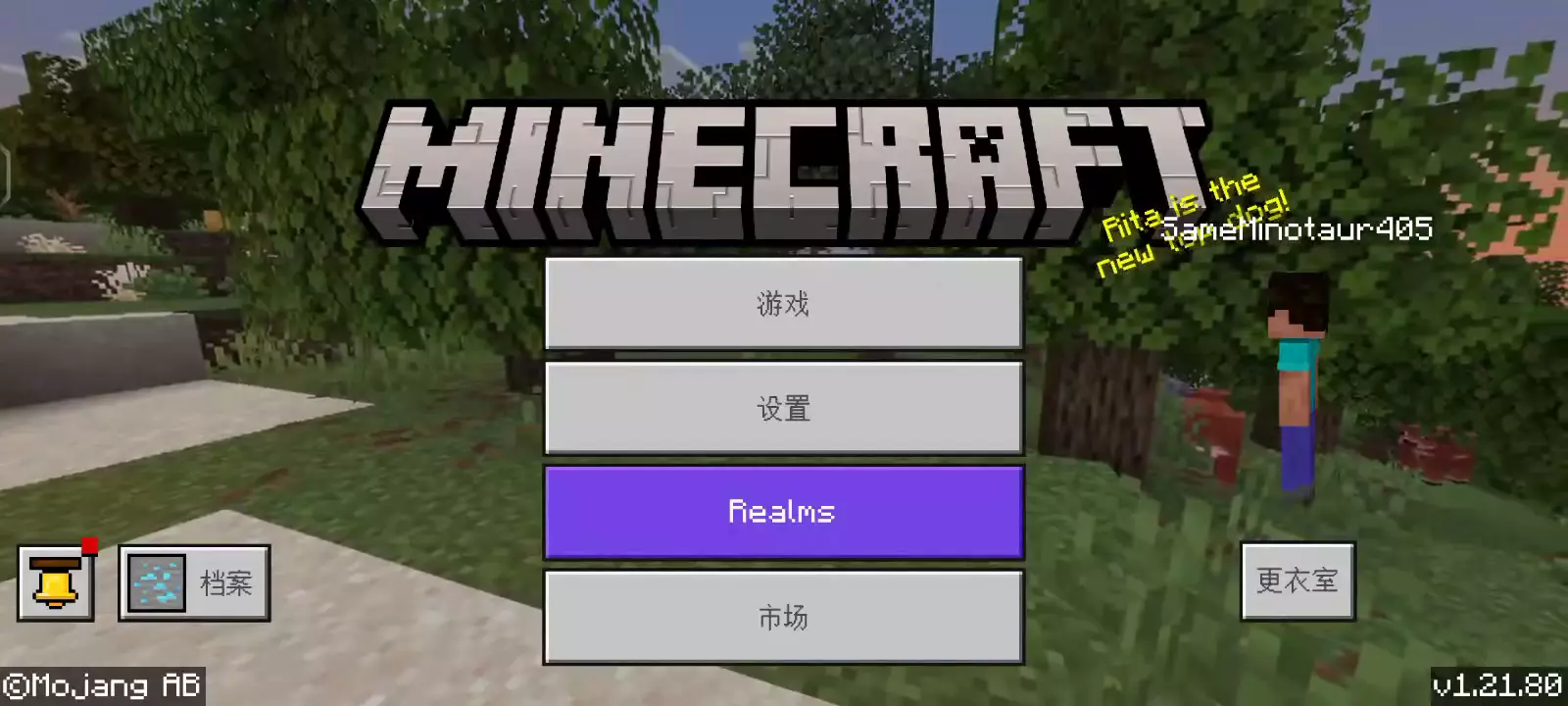
- Click Play to enter the worlds interface.
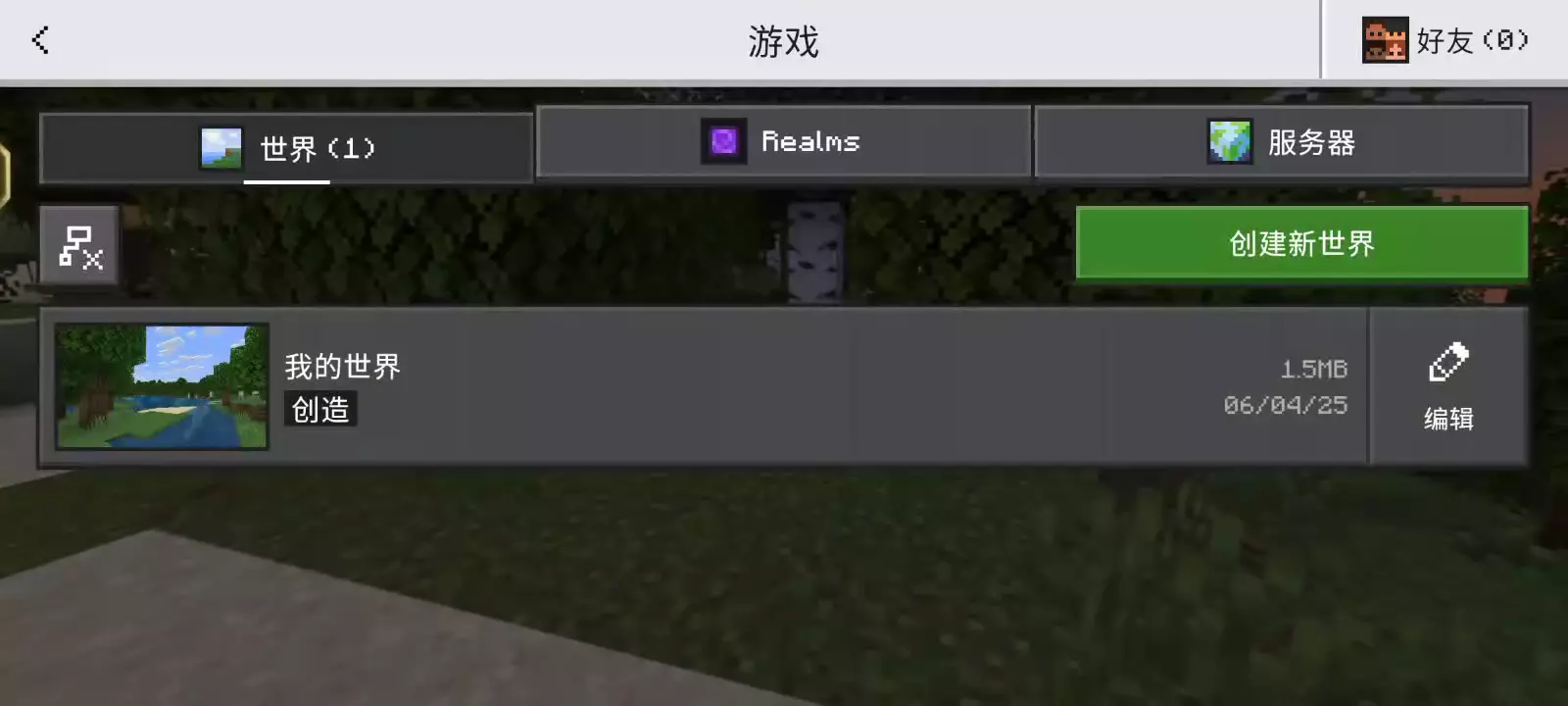
- Click Servers to add a server.
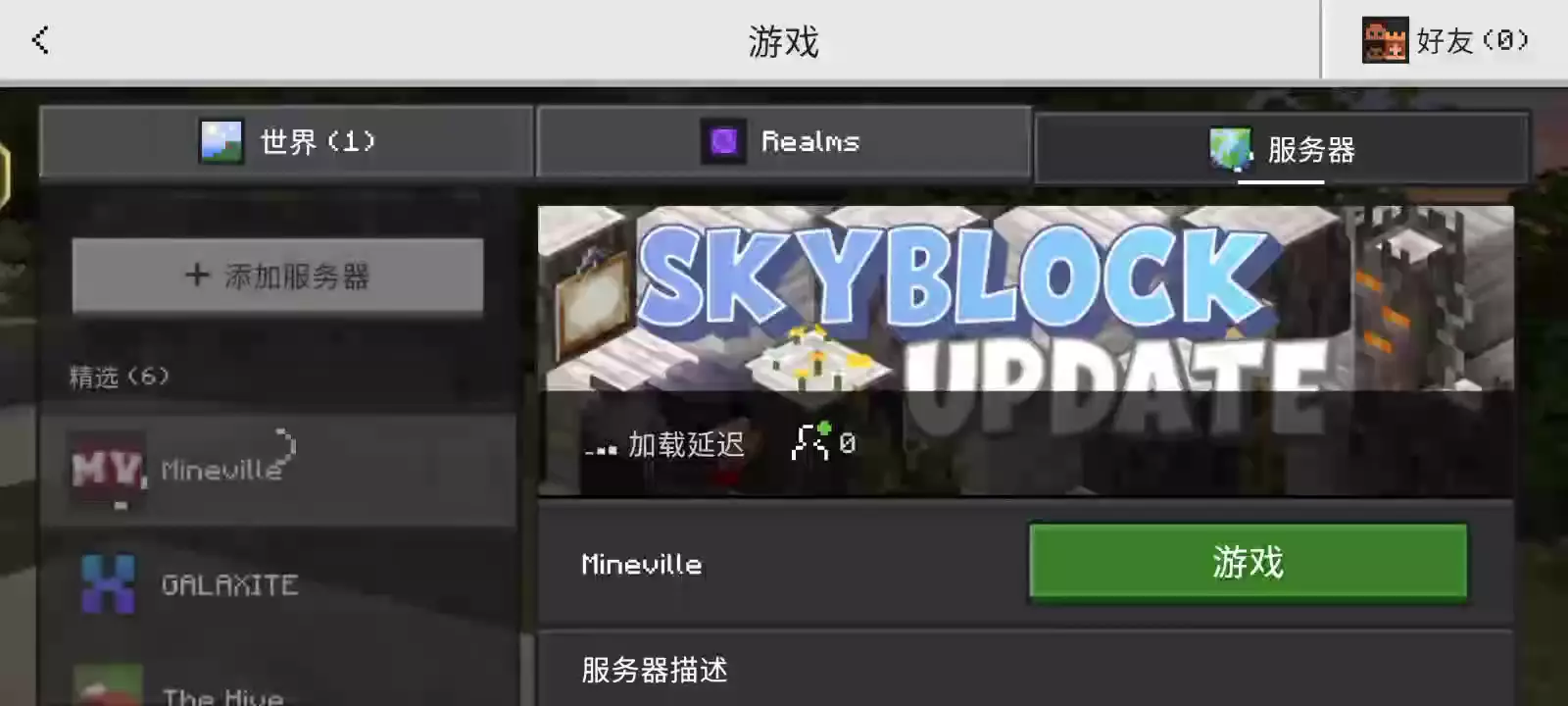
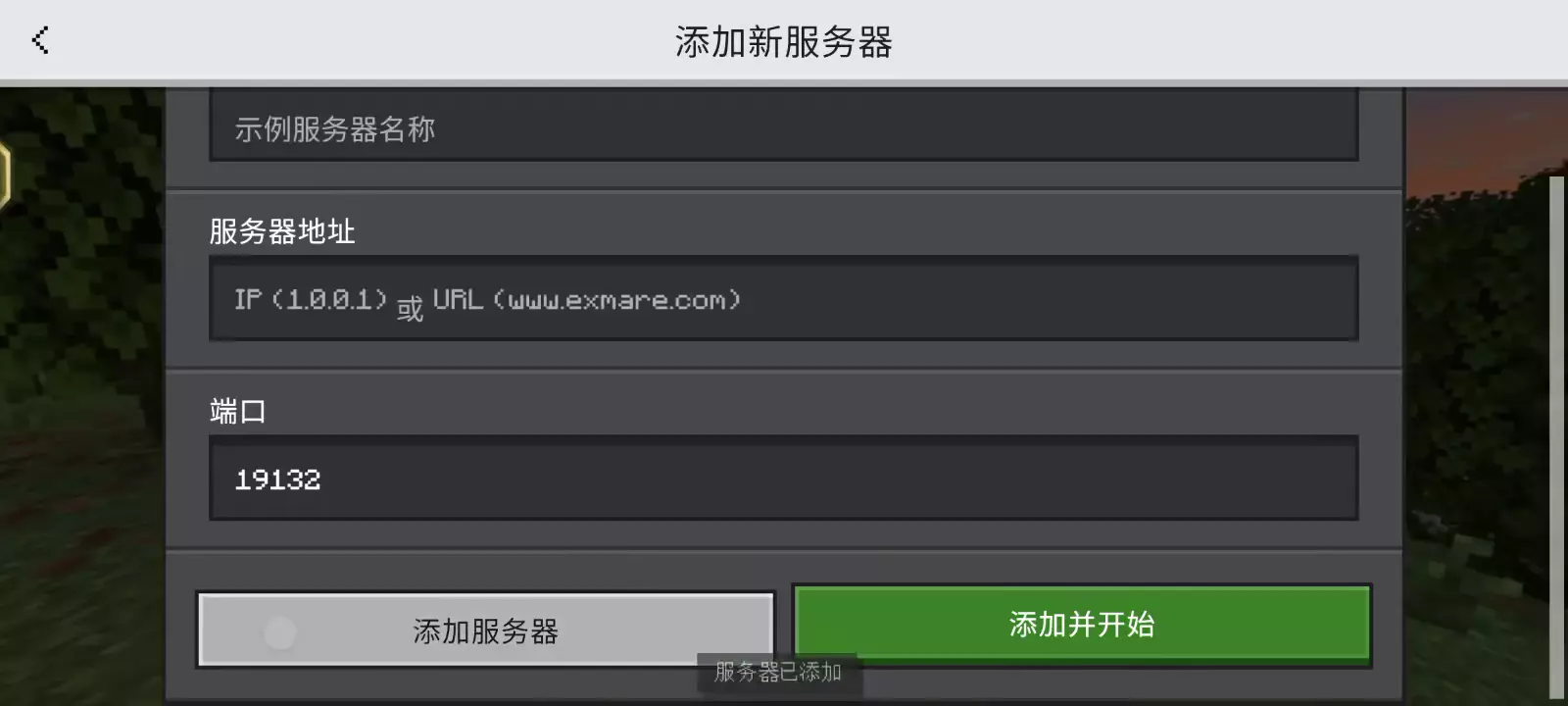
- Click Add Server. The following screen usually appears:
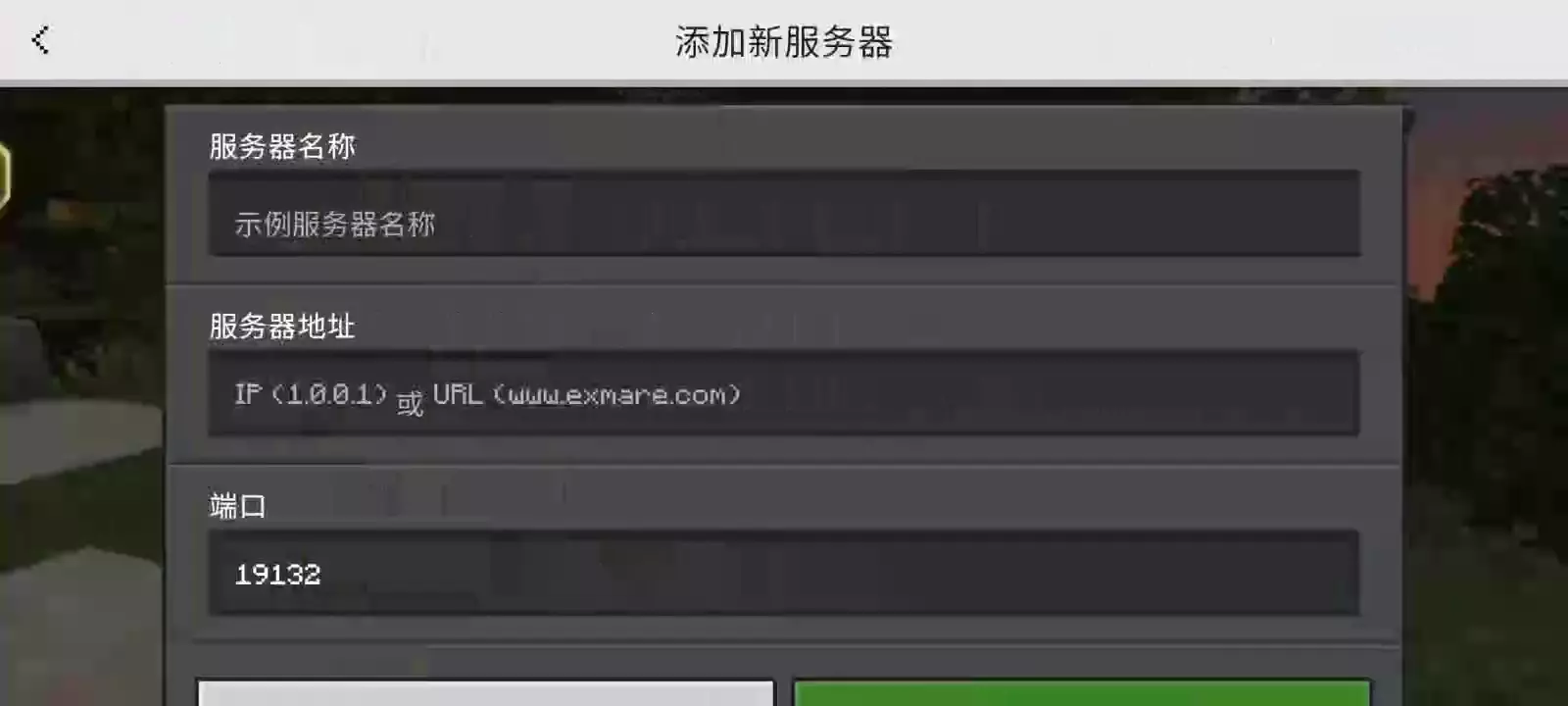
- In Server Name, enter any name you like, e.g., !!Example only, don't copy exactly!!
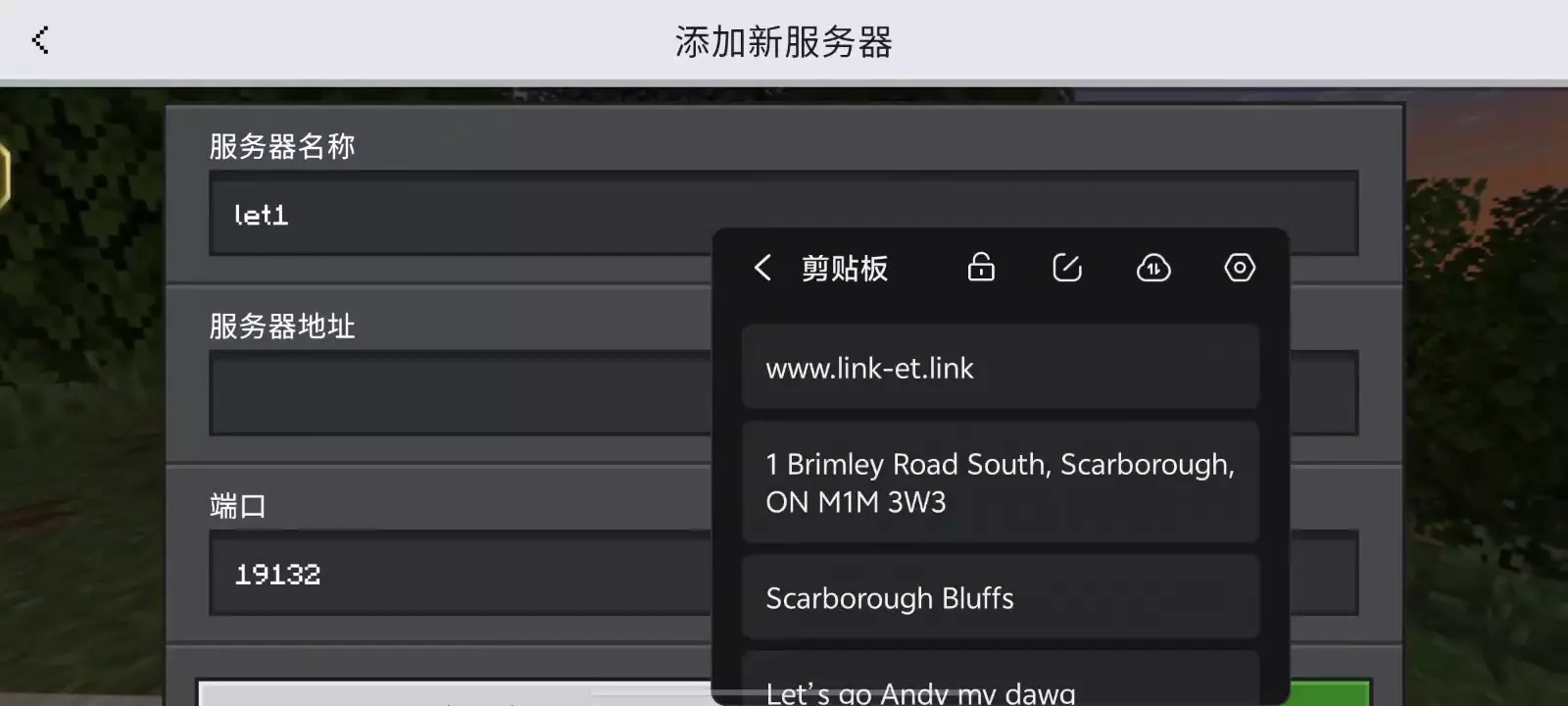
- In the Server Address field, type one of the two IPs mentioned above.
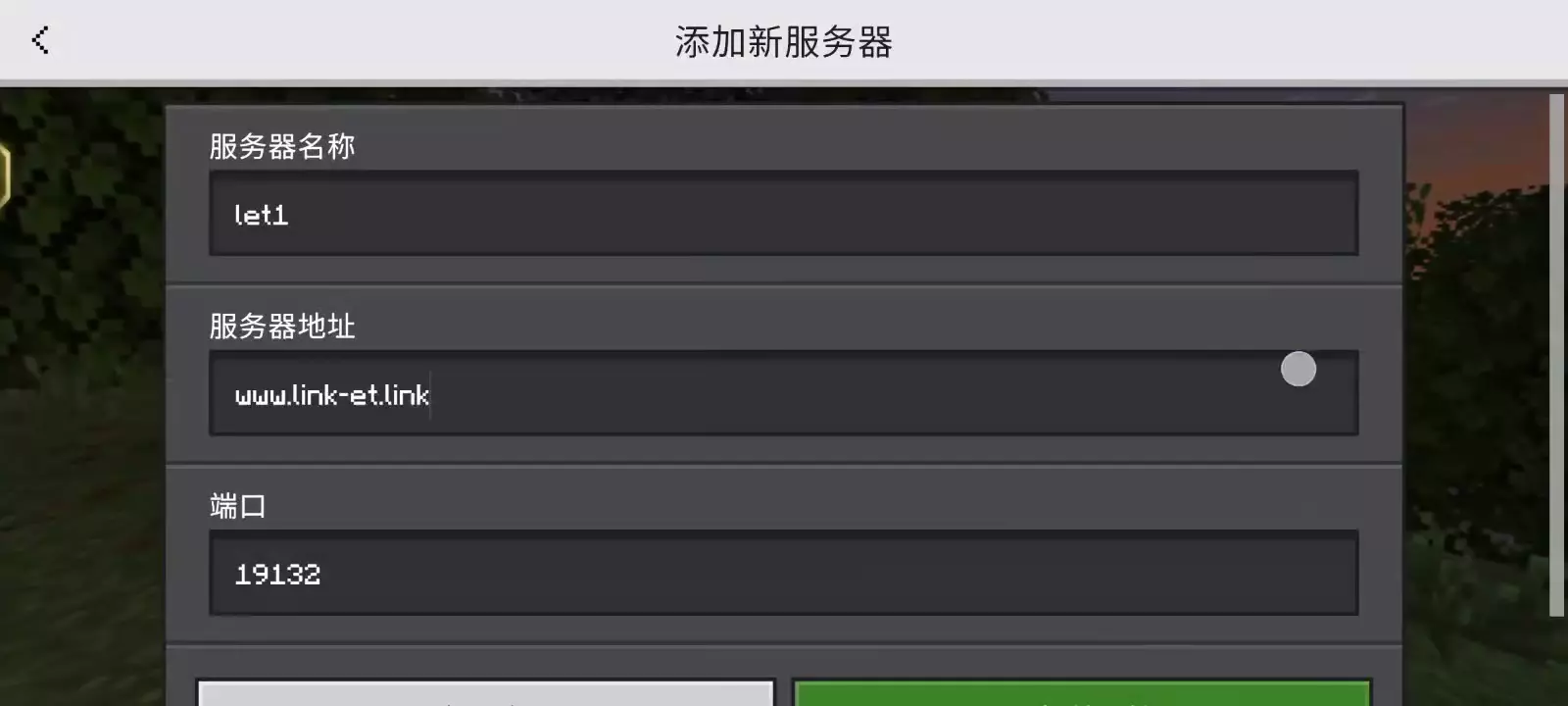
- Keep the Port as 19132. You can now join and play.
Java Premium Account
First, you need a premium account.
Log into the premium account in the launcher, then start the game.
Go to the Multiplayer screen, add a server, and enter the IP address.
Java Offline Login
- Create an offline account within the launcher.
The offline account setup is intended for users within the Chinese Mainland.
If you're located outside of The Chinese Mainland Please be aware that the steps for creating an offline account may not apply to you.
 Lorien Yang
 Kimimaybe29
 XChen446